
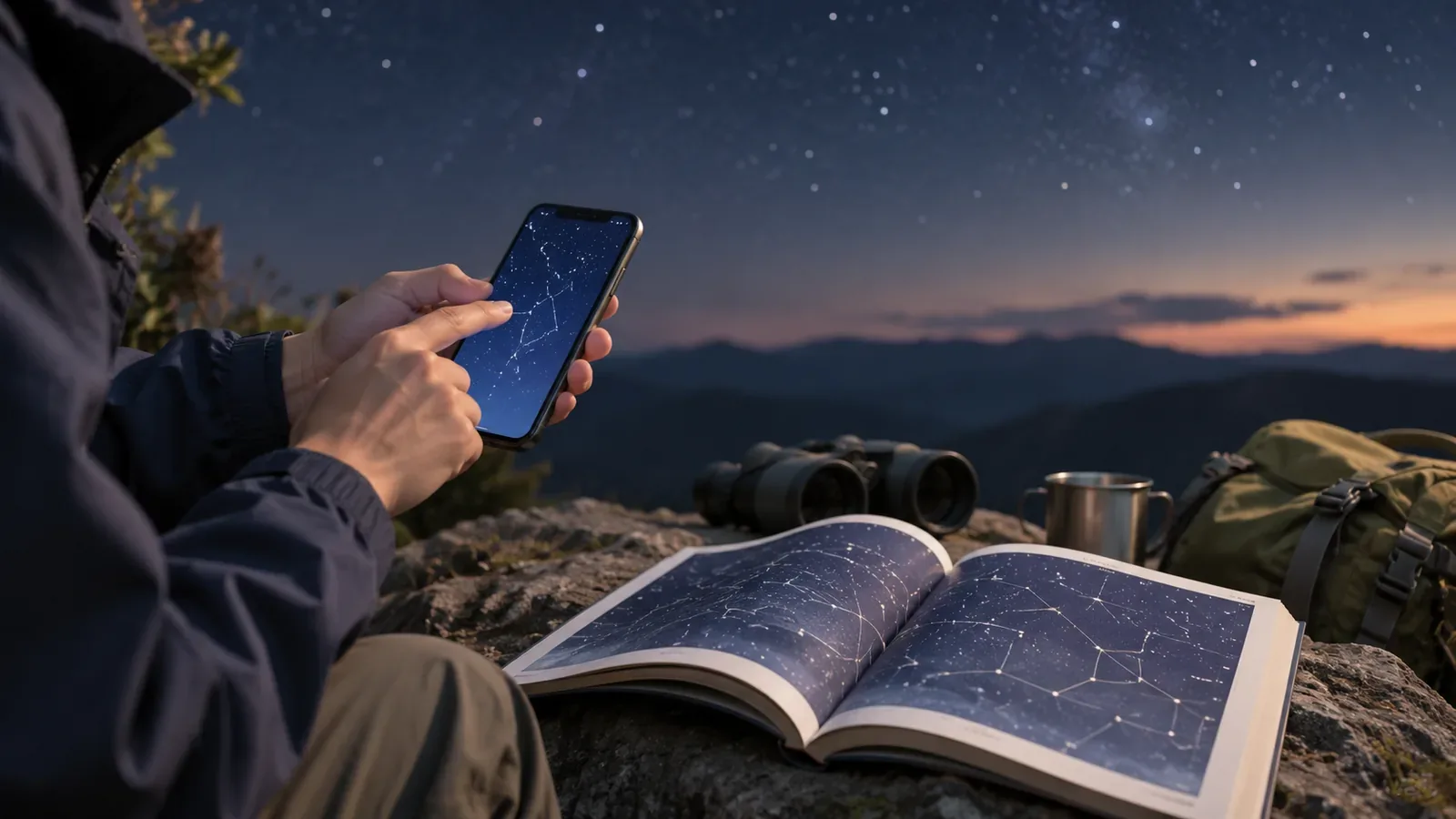
When an app gives you a name, check the date and location settings, where you are facing and the pattern of nearby stars. Distinctive shapes on a star chart help you match the display to the sky.
Check the app’s date, location and direction
Set the app to the actual date, time and location. The Stellarium Mobile FAQ says its pointing mode needs a magnetometer or compass, and that nearby magnets or metal can interfere. Follow the app and device instructions and compare the direction with a map or landmarks.
When you find a bright point, note its position relative to nearby bright stars and look for shapes such as a triangle of stars. Find the same pattern on the screen or chart.
Stop somewhere safe and point the device in the same direction again to see whether the display is stable. Even if another phone gives the same name, check the time, location and what you can see.
Compare nearby stars with a star chart
Shenandoah National Park in the United States suggests using a star chart or an app to learn constellations. Match the chart to the date, time and direction and look for distinctive patterns.
The National Astronomical Observatory of Japan’s sky viewer lets you choose a place and time, view the sky in different directions and check the altitude and azimuth of major objects. Enter your observing conditions and compare them with the direction you saw.
The observatory’s Tokyo Moon table for October 2026 illustrates how moonrise, moonset and direction depend on the chosen date and location. Rise and set refer to when the Moon’s center meets the horizon. Ridges can change when you actually see it.
If unsure, record what you saw
If clouds, trees or ridges hide some stars and you cannot make out the pattern, record the time, direction and appearance. For example, note “bright point in the western sky.”
For photographs, record the date, time, approximate location and camera direction. Keep what you saw separate from names suggested by the app so you can investigate later.
If a bright point moves, note the direction, speed and how it shines. If you cannot identify it after a short observation, leave it as a candidate.
Watch your screen brightness and footing
In the dark, dim your screen and angle it away from other observers. Japan’s environment ministry explains that stray light affects the night sky and the surroundings.
To look at the screen or take notes, stop on stable ground where you will not block the way. When walking, use a light that lets you see your footing and follow local night access rules.
Compare candidate names with your notes
After observing, go back to the star chart with your notes on the time and direction and any photos.
Use the app for possible names. Match date, location, direction and nearby star patterns with a chart or observatory data. If unsure, record the appearance and leave the name as a candidate.
References and sources
- U.S. National Park Service: Night sky in Shenandoah National Park
- National Astronomical Observatory of Japan: Moonrise and moonset in Tokyo, October 2026
- Japan Ministry of the Environment: Light pollution and stargazing
- Stellarium Labs: Frequently asked questions
- National Astronomical Observatory of Japan: Tonight’s sky