
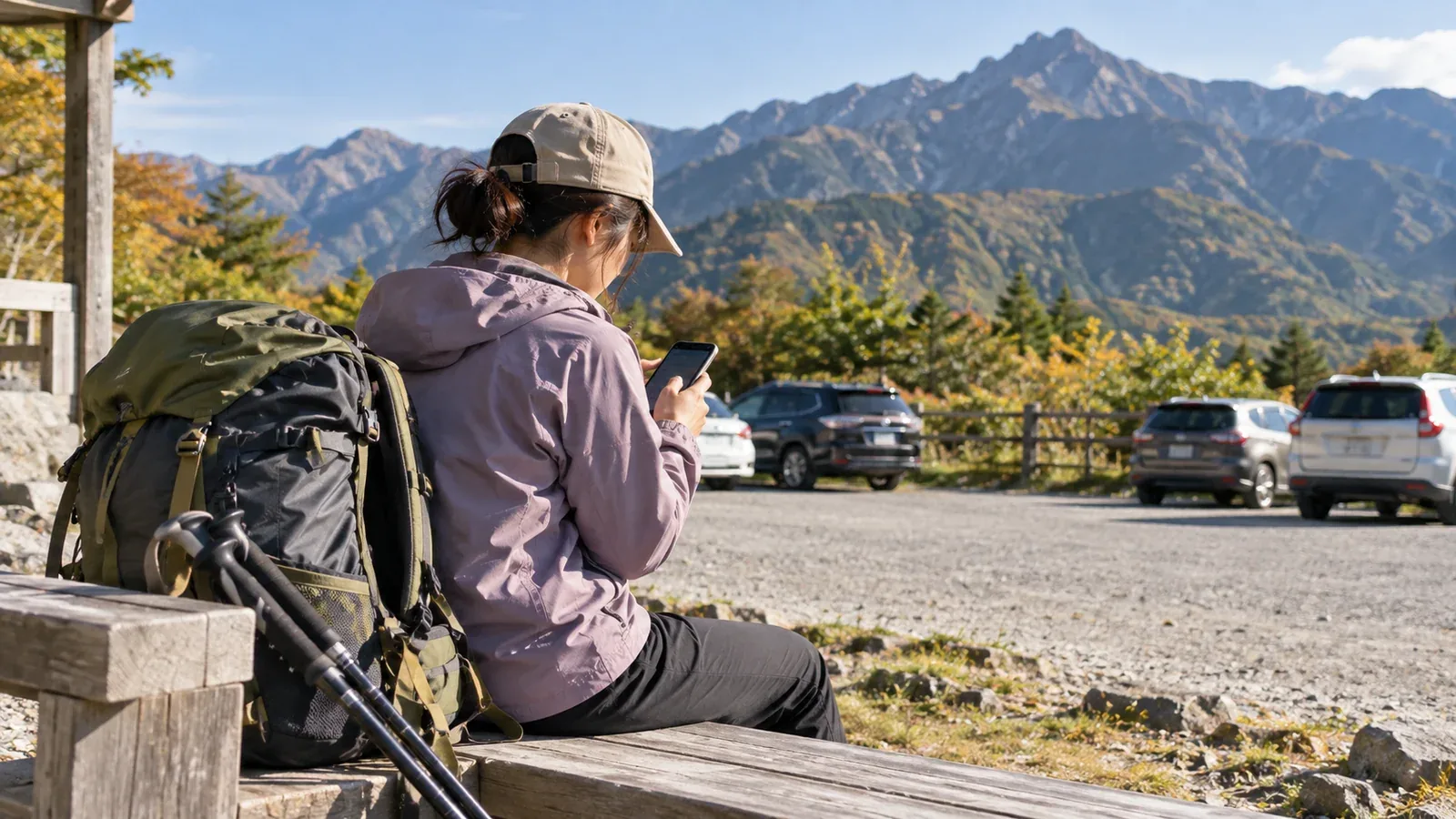
It’s natural to want to open your phone and post photos right after coming down. Posting on the way home makes it easy to record the moment, but there are a few risks worth checking first.
Here’s what to do first and in what order if you plan to post after your hike and before you get home. The same approach works whether you’ve stopped at a hot spring or for a meal, or you’re waiting at the trailhead car park or for public transport.
Check in before you post
If you filed a hiking plan and still need to confirm that you’ve come down, do that before opening social media.
Some filing services have a way to report that you’ve come down. A paper form left at the trailhead may have no follow-up step. Check the local instructions and let family or friends know you’re back. If you use mountain insurance or a trip-plan sharing service, follow its check-in instructions.
A post may never reach relatives or people who were meant to join you if they don’t follow your account. Send the check-in directly and treat the post as a separate step.
Decide what location information to share
One easy detail to miss is the photo’s geotag. Photos taken on a phone can contain the latitude and longitude of the spot in their Exif metadata.
Some platforms strip Exif data on upload. Others may keep it. If you choose to add a location to the post, you are sharing that location yourself.
Sharing location information can create several problems.
- It can reveal a home or a parked car. A post from the trailhead just after you come down could help someone work out where you left your car.
- It can reveal your route. A series of tagged photos can be used to reconstruct where you went.
- It can expose rare species or little-visited places. A location can inadvertently reveal a habitat or a spot that rarely sees visitors.
Check and remove location metadata before uploading, or turn off location recording in your camera app. The setting varies by device and app version, so use the official help for your device.
Choosing photos and writing a caption on the way home
You may be tired, excited and hungry at the same time. Posting in that state can leave you wishing you had kept a photo private.
Photos with other people in the frame
Strangers can appear in photos taken at busy places such as summits and hut entrances. If you can clearly see someone’s face, blur it or use a different photo. Anyone can see posts from a public account.
Describing the route
A post about the route you walked today can help future hikers. Be clear about which day you mean when you describe the weather or say you saw no hazards. Conditions can change greatly from one day to the next, and a description of one outing can be misread as a general assessment.
Photos involving closures or restricted areas
Posting a photo taken in a closed or restricted area can put you at risk and encourage others to go there. Check official information from the local authority or land manager before the hike, and follow the restrictions.
Check your battery and signal before posting
Your phone may be your only way to get in touch on the way home. If you ran the battery down on the hike, recharge first where possible, for example at the trailhead or a hot spring facility.
Editing and uploading photos can run down the battery. Save enough power to check the return bus or train, make an emergency call and use navigation if needed. Post when you have charge to spare.
Check the signal as well. A large upload over a weak connection can take time or leave a post incomplete. Wait for a more reliable connection or share the photos after getting home.
It’s fine to wait
Posting before you get home captures the moment. When you’re tired, it’s easier to rush the photo selection, caption and privacy settings.
You can post when you get home. Photos reviewed the next morning may make a better record than a post rushed out at the trailhead. If your goal is to record the hike, taking time the next day may give you a result you’re happier with.
You can also post a brief update on the way home, then add route details and a fuller selection of photos later.
After your next hike
Make a habit of checking in first and posting afterward. Review the location settings and check who appears in the frame before sharing a photo. You can also use the Nordwand hiking log to share the outing with friends.