
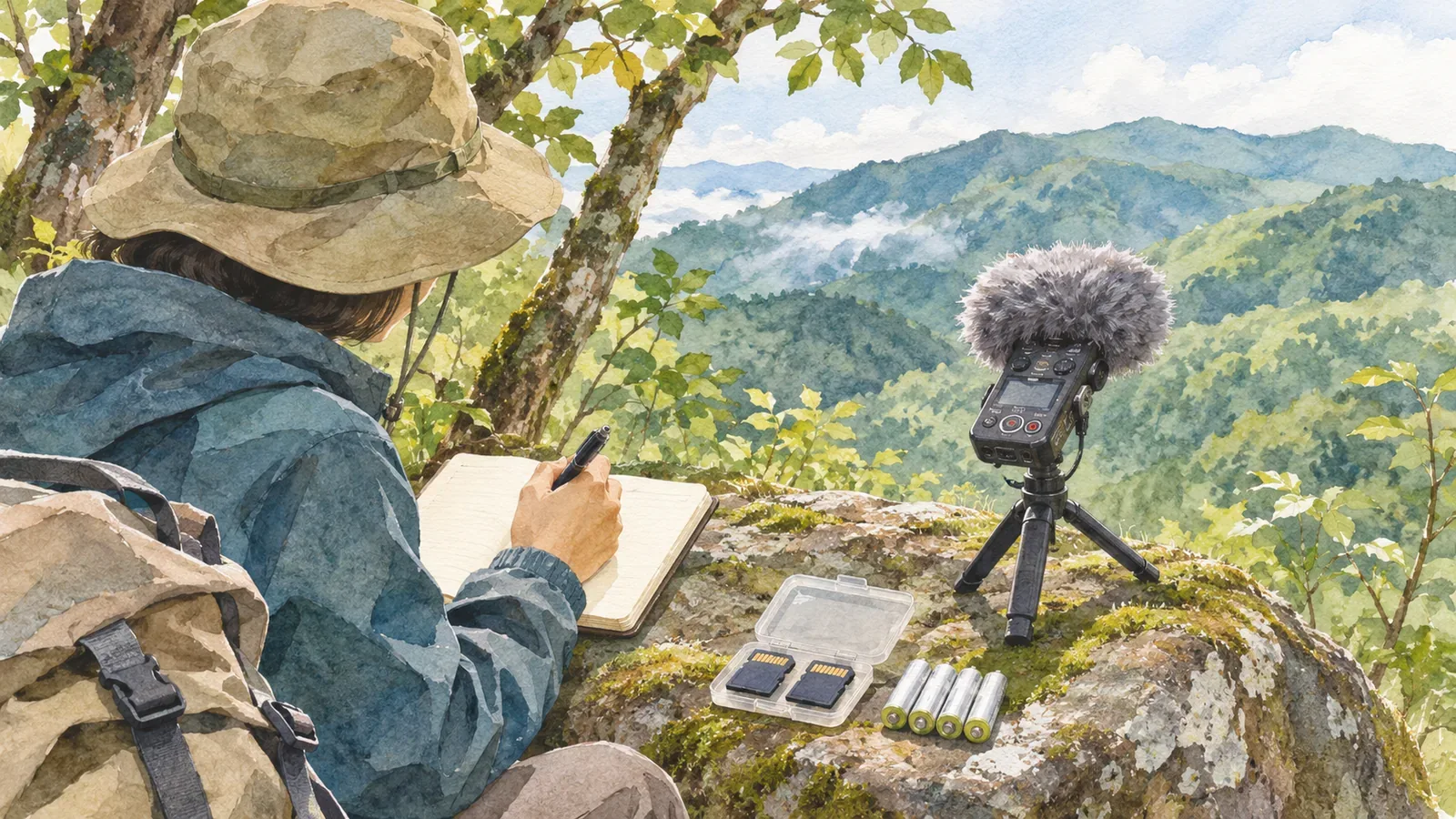
If you're recording birdsong or wind in the mountains, the recorder stops when the battery runs out or storage fills up. Before you leave, check the manual's estimates for recording time and battery life against the settings you plan to use. The actual figures depend on conditions, so leave a margin beyond what the published maximum suggests.
Decide how long to record and in what format
Start by making a rough note of what you want to record, where and for how long in total. One continuous recording and a few clips taken during breaks place different demands on the device and yield different numbers of files. Choose a duration that fits your route and your companions' plans, so the recordings don't stretch the outing.
Check the settings your device offers, including format, sample rate, bit depth and stereo or mono. The same storage capacity can hold different amounts of audio depending on the settings. Sony's PCM-A10 manual, for example, lists the maximum recording time in built-in memory for each setting. Use those figures for that model alone, and read the notes about external power and memory card specifications as well as the figures themselves.
Choose settings to suit how you'll listen back, how much storage is available and what the recorder supports. To compare your options, make a short test recording before the trip and check how it sounds and how much space it takes. Look up the controls in the manual, as setting names and file formats vary by model.
Estimate storage and battery life separately
Either storage or battery can run out first. Before you leave, check the recording time for the settings you've chosen, the space that's actually free and the expected battery life. Files already in built-in memory can reduce the recording time below the manual's maximum.
The PCM-A10 battery guide also gives different estimates for different recording formats. Actual battery life varies with use, so check charging and backup power before departure and plan for more than the exact time you need. Follow the instructions for your model when choosing a power source or charging method.
Put three figures side by side: the time you plan to record, the time the free space will hold, and the estimated battery life. Use the shorter of the storage and battery estimates to see how much margin you have. If you're recording in several sessions, factor in playback and time spent operating the device. If the margin looks tight, adjust recording time or settings before you leave.
Test and prepare before you set out
Make a short recording with your planned settings, save it and play it back. Check the recording indicator, where the file is saved and how the recorder shows remaining charge and storage. The Macaulay Library stresses the importance of matching audio with the correct date and time. Set the recorder's clock so you can match its files to your other camera files or hiking notes.
Before clearing files from the recorder, check that anything you need is backed up elsewhere. Freeing space at home gives you time to avoid deleting an important recording by mistake. If your recorder takes removable media, check the manual for compatible options and handling instructions.
If you're bringing backup power, confirm that it works with the recorder and pack the charging cable you need. Plan around the conditions and your route, using the power you can bring with you. If the recorder shares a power source with your light or communications equipment, budget for each device separately.
Check in the field and when you return
Check the remaining charge and space from time to time. Stop where it's safe before looking at the screen. If you set up the recorder for a long session, keep it clear of traffic and follow local access and equipment rules. Leave room to cut the recording short if the weather or itinerary changes.
Listen for conversations picked up by the recorder before sharing the audio. When you get home, import the files, check that they play, make copies and decide what to keep on the recorder. The Library of Congress recommends making at least two copies and storing them on separate media in different locations. Note your settings, recording time and remaining battery and space to improve your estimate for the same device next time.
If the recorder stops early, check the space, settings, controls and device condition along with the battery. Consult the manual and contact the manufacturer if you can't identify the cause. A longer test recording before your next hike can give you one more way to catch a problem early.
In brief: Leave room in both budgets
Decide how long you'll record and choose the settings. Check your model's estimated recording time, usable storage and battery life separately, with a margin for actual conditions.
Test recording and playback before you leave, then check the device at a safe stop. Plan to back up the files at home and review them before sharing.