
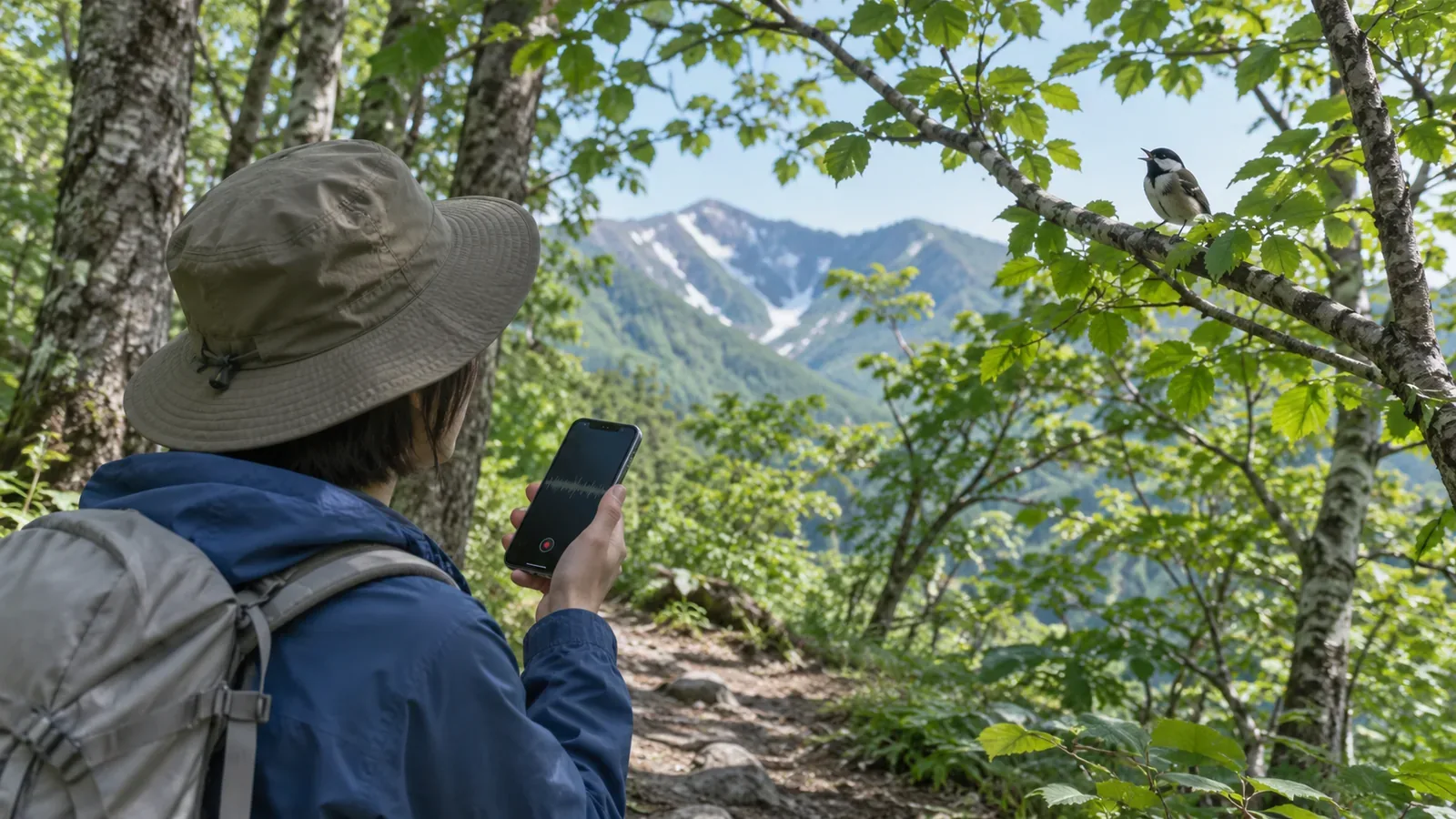
When a bird sound app suggests a name, treat it as a lead to check. Cornell Lab and eBird recommend comparing each suggestion with example recordings, range, behaviour, habitat and season. On a hike, watch your footing and stop somewhere safe before checking the result. If you are still unsure, leave the ID open in your notes.
The name on the screen is a starting point
Merlin Sound ID’s best practices, updated on 25 August 2026, recommend checking suggestions against example recordings, range, behaviour, habitat and season. If you can, look for the bird that is making the sound. The Sound ID FAQ, updated on 23 March 2026, also asks users to check the examples and species information themselves. The app helps you learn what to listen for.
Check where it works. The March 2026 FAQ covers most birds in the United States, Canada and Europe, along with widespread species in India and Central and South America. It says the app will miss most birds in other regions, so expect gaps when hiking in Japan. Look up the official list of supported species before you go. An empty result tells you little about which birds are present. Even a supported species can go unrecognised if the call is unusual or the recording is unclear.
Checking a suggestion and keeping it separate in your notes
Here is an order to try, based on Cornell’s guidance. First, listen back and compare what you heard with the example recordings. Next, check whether the species is present in the region and fits the habitat, whether it is woodland, rock or grassland, and the time of year. Finally, see whether the behaviour matches, such as whether the sound came from high in a tree or close to the ground. This sequence is ours. The checks are from Cornell.
Look for the bird only if you can do so from where you are allowed to be. Japan’s environment ministry and the Wild Bird Society of Japan both ask visitors to stay on boardwalks, footpaths and observation trails. If you never saw the bird, put that in your notes.
Try three fields in your notes. Under “App suggestion”, write the name as it appears on screen. Under “What I checked”, add the features you heard, anything you saw, and whether the habitat and season fit. Under “Unconfirmed”, list what you still need to check or remain unsure of. When you read the notes later, you will be able to tell what came from the app and what came from you.
eBird sets a clear threshold for submissions. Leave out any suggestion you have yet to check independently or are unsure about. Set the location and exclude recordings whose location is unknown. Attach the audio when reporting a species Merlin suggested. Evidence matters especially for unusual sightings. For longer recordings, note when the bird calls and add relevant behaviour to your description. Submit the checklist somewhere you can concentrate, after leaving the trail if necessary.
Record from a safe stopping place and give birds space
Cornell recommends standing still and staying quiet to capture several clear calls, while avoiding disturbance. While hiking, wait until you can stop on stable footing without blocking the path before you use the screen or record. If there is nowhere suitable, leave the recording for later or walk on. That is our suggestion for applying the guidance on a hike. The Wild Bird Society of Japan advises against setting up a tripod in a passageway, occupying a site for a long time, crossing in front of other observers, or blocking the trail. Give people the same consideration when recording.
Avoid playing calls or using a bird caller to test a match. According to the Wild Bird Society of Japan, birds may mistake the sound for another bird in their territory, spend energy responding and even leave the nest.
Flying off, fleeing, changing posture or giving an alarm call can mean you are too close. Some birds freeze. Stop recording and withdraw quietly if behaviour changes. Move away promptly if you find an active nest or recently fledged young. Give the birds space even if that means ending the recording without an ID.
Before leaving, check offline access, location, bird packs and saving
The FAQ says the app can record and suggest species offline. It recommends keeping location services on. Sound ID can suggest species without a bird pack. Download the regional bird pack if you want to read profiles and see photos. To keep a recording, choose Save after stopping. The file stays on your device and is not sent to Cornell automatically. Open any important recording again to check it saved.
Try recording, saving and playing a file back on the device you usually take. Download the data you need and test it offline if you expect to be out of coverage. If a recording has no location, check where it was made before confirming an ID or submitting it. Cornell’s instructions for correcting the location after recording require an internet connection. If you are out of coverage, note the date, time and place and check after the hike.
Prepare the hike itself too. Japan’s environment ministry advises visitors to check weather, access, trail conditions and volcanic information in advance to prevent accidents. Fit birdwatching into the time and conditions your hike allows.
Take the suggestion home and leave the ID open if you are unsure
Use the app’s suggestion as a lead. Check examples, range, habitat, season and behaviour, and leave the ID open if you are unsure. Keep separate notes on the app’s result, your own observations and what remains unconfirmed. Record only where you can stop safely. Avoid using playback to draw birds in and withdraw if their behaviour changes. Check offline access, location, bird packs and saving before you go, so you can focus on the evidence and safety on the trail.