
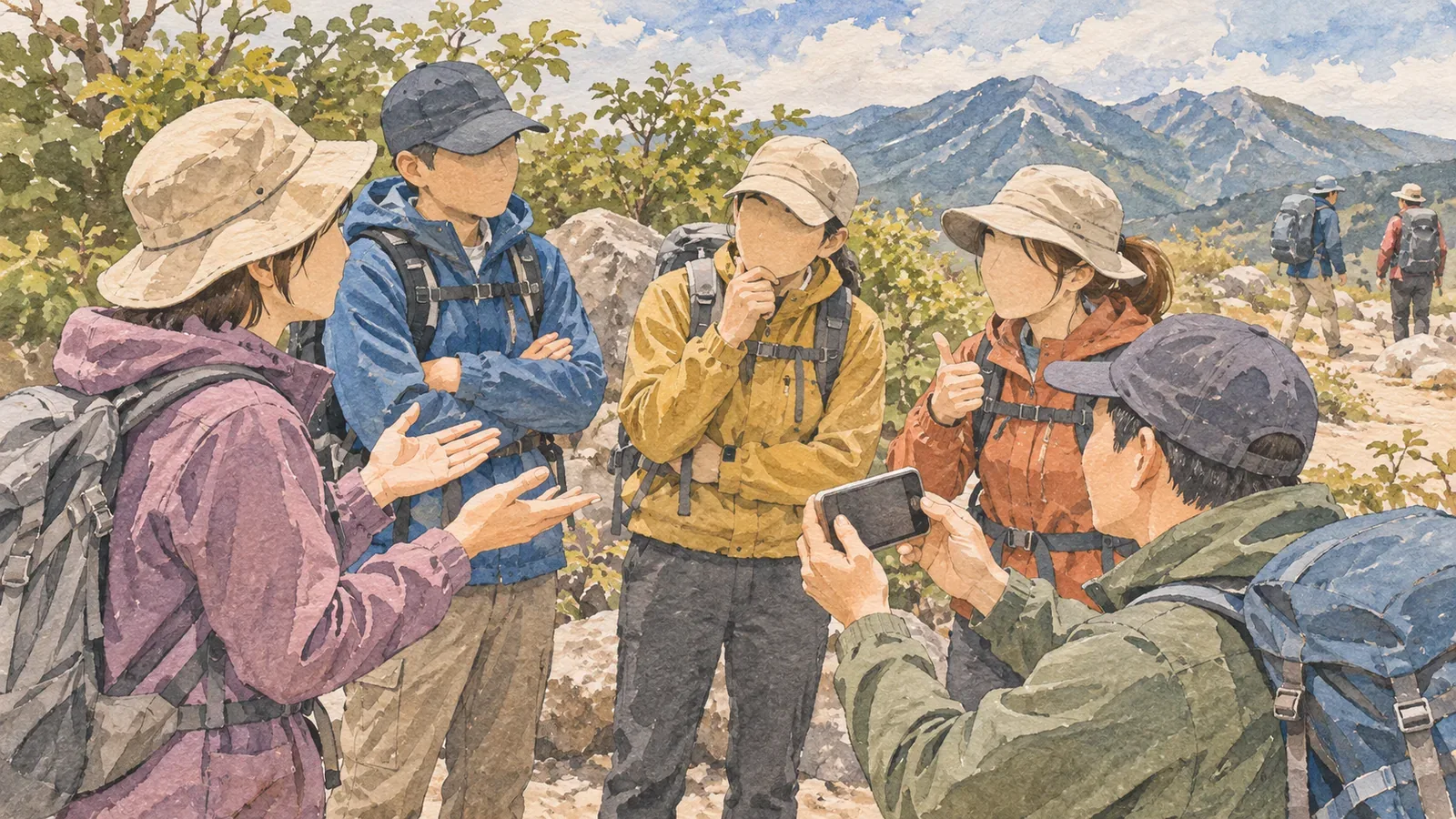
A group photo at the summit can be a great keepsake. Ask who wants to be in it before taking the photo, then check who they are comfortable sharing it with. Agreeing to be photographed and agreeing to a social media post are separate decisions.
Ask who wants to be in the photo
Give everyone a real choice about being in the photo. Saying “It’s fine to sit this one out” makes it easier to decline. There is no need to ask why. Check whether belongings or names of anyone who is absent might also appear in the shot.
Japan’s Personal Information Protection Commission recommends asking friends before posting photos you took together. People may have agreed to be photographed without agreeing to where the photo will appear. Show them the image and ask what kind of sharing they are comfortable with.
People may have different preferences about a private share with friends, a post from a public account, and forwarding the image to someone else. Explain what you plan to do and ask about each use. Check again if you later want to share it somewhere else.
Say exactly who can see it
“I’ll send it to everyone” can leave people unsure who will get a copy or be able to pass it on. Say whether it will go in a shared album for participants or on a social account anyone can see. Discuss how long it will be kept and whether it can be shared again if needed.
Give people time to reply later if they need it. Wait for an answer before posting. If someone wants to keep the photo private, take a separate photo without them or keep the original private. Offer those options before shooting to avoid asking someone to arrange edits later. You can respect their decision without explaining it to the group.
If children are in the photo, respect how each child feels and check with their parent or guardian about where it will be shared. Families have different preferences. A child who would rather sit out should be able to do so even if their parent says yes.
Check the background and location data
Other hikers, hut guests, number plates, or name tags can show up in the background. Check the edges of the frame and the area behind you, and keep the path clear. If you cannot check with someone who is in the shot, retake it or keep it private.
Photos can include metadata such as location. Apple explains that allowing camera access to your location can record where a photo was taken, and that you can choose whether to include location information when you share it. Check your device and service settings. The background itself can also reveal a home or meeting point, so look at the image as well as its metadata.
People may still be recognizable by their clothing or surroundings after blurring or cropping. Ask the person what they prefer. If there is any doubt, respect their choice to keep the image private.
Choose a safe place and time
The U.S. National Park Service advises keeping paths clear, staying away from edges, and avoiding walking backward while taking photos. Check the wind, footing, and passing traffic, and choose a spot where everyone can stand securely. Move somewhere else or skip the shot if you cannot take it safely.
Check the hut or facility’s rules about photography. In shared rooms and dining areas, consider who might appear in the frame and whether people are trying to rest. Follow any restrictions even if everyone in your group agrees.
Check people’s preferences again before sharing after the hike, and ask again before posting in a new place or forwarding it. If a photo is published without permission, Tokyo Metropolitan Police suggest asking the site operator to remove it or contacting a human rights advice service. Agree on where the image can be shared before posting it.
Ask separately about taking and sharing photos
Let everyone choose whether to join the photo and ask specifically about private sharing and public posts. Check who and what appears in the background, review the location data, and take the photo somewhere safe where it will not get in anyone’s way.