
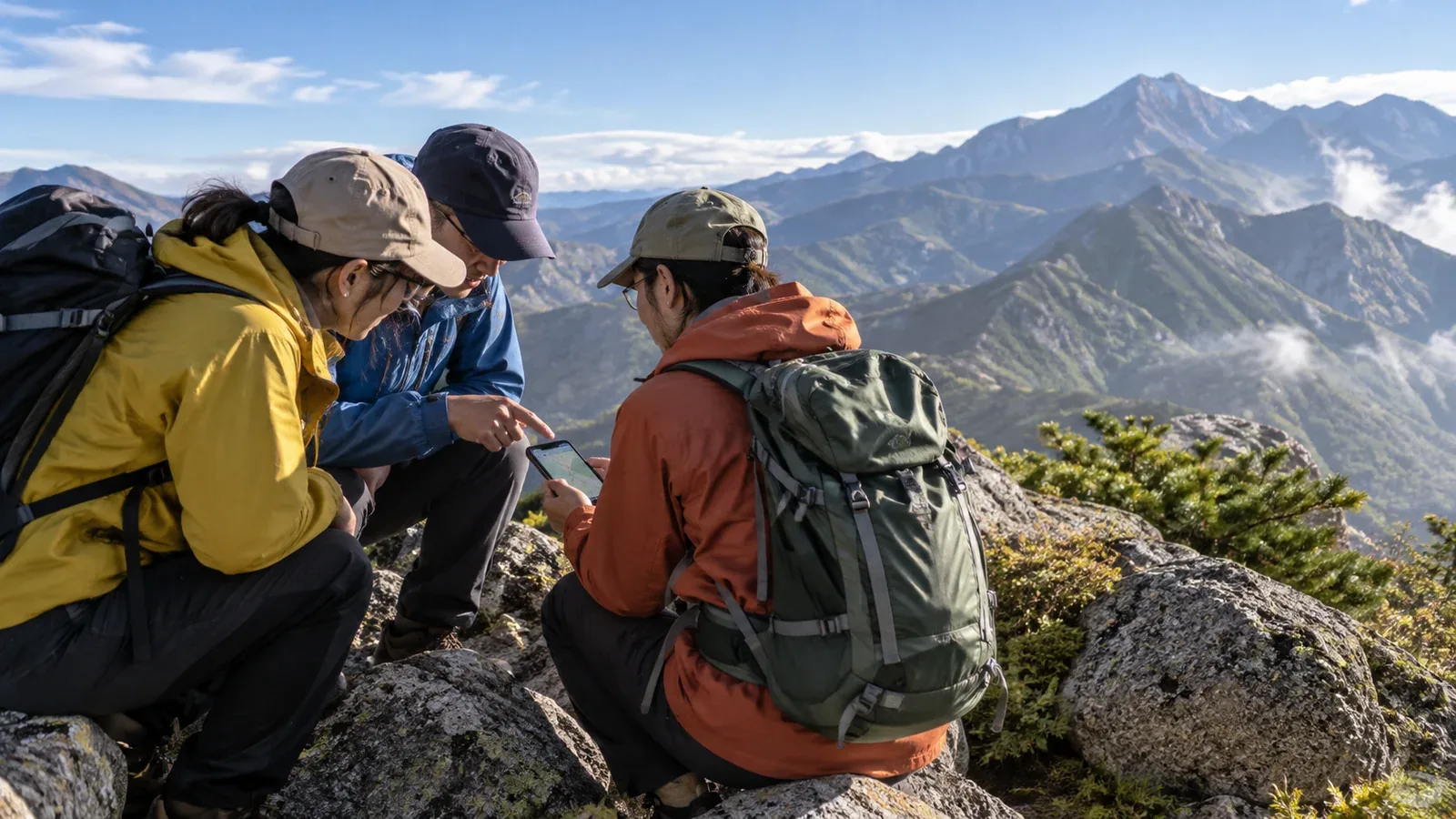
When you plan a hike together, choosing where to talk can be trickier than it sounds. LINE may be enough for friends. With a larger group or people you’ve just met, details can slip down a long chat and become hard to find.
Here’s what LINE, hiking apps and forums do well, and how to choose between them for a particular group or purpose. The choice also affects how you share information in an emergency.
What LINE does well and where it can fall short
If everyone already uses LINE, a small group can communicate without setting up new accounts. It works well for quick exchanges such as “Meet at the trailhead tomorrow at 7” or “The parking lot’s full, so I’ll be a little late.”
As the group grows, a few problems become more likely.
- Important details get buried: A gear list or a map of the meeting point can disappear under later conversation.
- It’s hard to know who has confirmed: A group read receipt gives an approximate count. Ask people to reply or react so you know who has understood the update.
- Records get scattered: It can be hard to keep plans, trip notes and debriefs together in a chat.
A regular group of five or six, for example, can use LINE for small adjustments on the day. For a larger group or a hike with newcomers, keep the confirmed details in a separate place.
Communities in hiking apps
Some hiking apps combine trip records with community features. Nordwand’s Base Camp can help you find local hikers. You can also create or join a community by interest and contact a certified guide. Check the official site for fees and instructions.
These apps let you meet people who already share an interest in hiking. A LINE group often starts with people you know. On a hiking app, newcomers can get straight to talking about gear and plans.
Having route information, photos and trip notes in one place can help you check what gear you took last time or what a trail was like. Use past notes as a reference when planning the route or choosing dates.
They can work well in these situations.
- Finding new hiking partners
- Keeping and sharing records for a regular group
- Planning your first outing with a guide
Forums and social media groups
Hikers have long used web forums and social media groups to find companions. Examples include Facebook groups, X Communities and dedicated hiking forums.
One advantage of forums is that older posts are searchable. A search such as a mountain name plus “day hike beginner” can turn up ideas for a plan. A forum can also help you reach people beyond your usual circle.
Keep these limitations in mind.
- Check the information: Public posts can be old or inaccurate. Confirm trail and hut conditions with local authorities, hut operators or the trail manager.
- Protect personal information: Anyone may be able to see a public group post. Share exact meeting places and times, phone numbers and emergency contacts privately with those who need them.
- Plan for emergencies separately: Forums suit conversations where replies can wait. They are unreliable when you need to reach someone immediately on the trail or after the hike.
Plan separately for communication on the trail and in an emergency
An easy detail to miss is how you’ll communicate during a hike or emergency. Online messaging needs a connection.
Work through these points before setting out.
- File your hiking plan: A plan filed through the local procedure gives rescuers a starting point if you get into trouble. Give a copy to someone you trust who is staying behind. Check the local authority or police website for where and how to submit it.
- Share emergency contacts: Exchange phone numbers privately with the people who need them and save them where you can see them offline. Restrict access to emergency contacts to the people responsible for using them.
- Check coverage: Mobile service varies by route. Plan for places without signal. If you need a radio or a satellite communicator, check its requirements and practice using it beforehand. A GPS position on a screen does not mean the device can send a rescue request.
- Agree how to report your return: Tell the whole group and your contact staying behind what to do if there is no check-in by the agreed time.
You can research hiking GPS and satellite devices separately. Outdoor retailers and device makers can help explain which equipment fits your route and how it works.
Combining tools in practice
Use each tool where it fits. Here’s one way to divide the work.
- Find or recruit hiking partners: Try an app community or forum.
- Store and share plans, gear lists and trip records: Use a hiking app.
- Send small updates or changes on the day: A LINE group can work for regular companions.
- Communicate in an emergency: Call if you have service. Prepare a method for areas without coverage and file a hiking plan to assist a search if needed.
The idea is to cover one tool’s limitations with another. For example, use a hiking app to find people and plan, exchange necessary phone numbers privately, use LINE for quick changes and decide before leaving who will report the group’s return.
The combination depends on group size and what members are comfortable using. With new companions, a quick check before departure can clear up where everyone will look for updates.
What to do next
Look through the current group chat for important details that have been buried. Put the plan, meeting place and gear list in a pinned message or separate file. If you want to find new partners, try Nordwand’s Base Camp or interest-based communities. Before departure, exchange phone numbers with the people who need them and agree how to report your return.
Sources
- National Police Agency of Japan: overview of mountain incidents
- Prefectural mountain rescue teams’ instructions for filing hiking plans
- Nagano Prefecture: filing a hiking plan