
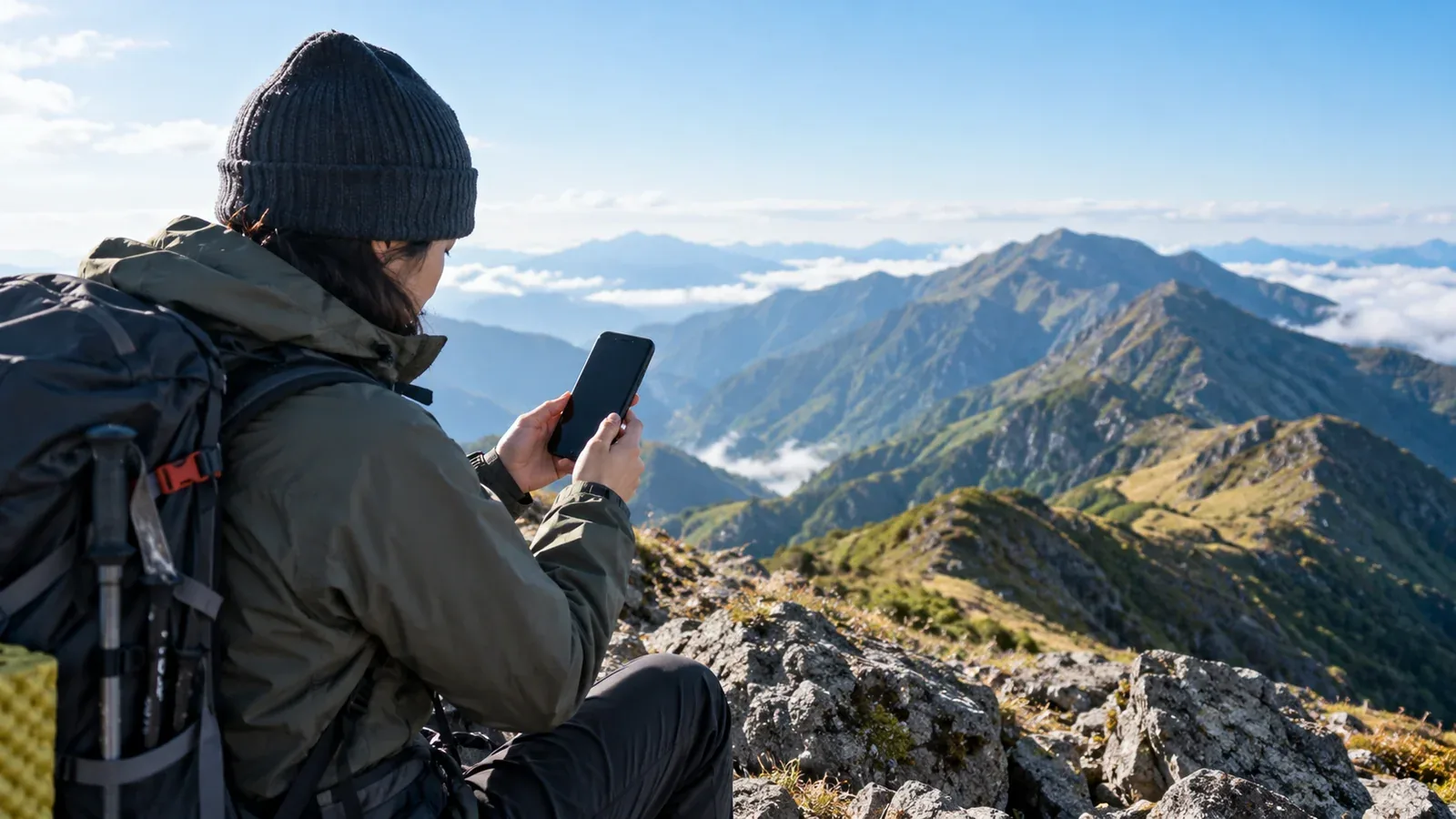
A phone can help you call for rescue and tell responders where you are. It also needs enough battery for a callback or an update while you wait.
Learn the relevant settings before your hike. Try opening a downloaded map, reading coordinates and finding your phone’s emergency features while you still have signal and time.
Call for help before saving battery
Call 110 for police or 119 for fire and medical emergencies in Japan as soon as you need rescue. Give your location and explain what happened. If the call fails, try supported satellite SOS if available. If a text can get through, send your location and request to a trusted person who can relay it. Japan’s NET119 is an emergency service for eligible users who register in advance.
Read out your GPS coordinates if available. Include the mountain, route, last confirmed point and nearby landmarks. If the dispatcher asks for an image or link, follow their instructions. A short text with coordinates and a callback number is also useful for someone relaying your request.
What uses battery
Use your phone for calls, position checks and updates that help responders. Reduce the activity you do not need.
Power use can rise with a bright screen, network activity, frequent location updates and apps working in the background. The effect depends on your phone, signal and settings. A phone searching for a signal can use more power.
Cold can temporarily shorten battery life and cause some phones to shut down. Keep the phone dry and close to your body in a pocket. If it is too cold to charge, let it warm gradually within its operating range and follow the manufacturer’s guidance.
Settings to check
Menus depend on the device and software. Learn which settings affect calls, location and SOS before you need them.
1. Use a power-saving setting if it preserves the functions you need
On newer iPhone software, Apple lists Settings → Battery → Power Mode → Low Power Mode for iPhone 15 and later, and Settings → Battery → Low Power Mode for iPhone 14 and earlier. Android phones have model-specific power settings. Google says the Pixel Emergency SOS shortcut does not work in Airplane Mode or while Battery Saver is on. Know how to use the regular phone dialer and keep the emergency features you need available.
2. Lower screen brightness
Reduce brightness to the lowest level you can still read safely. Raise it temporarily when needed and lock the screen after checking a map or message.
3. Keep the connection available for callbacks
If responders have your number, leave cellular service on and keep the phone available unless they advise otherwise. Airplane Mode can prevent calls and messages. Avoid turning it on and off on a fixed schedule while you are waiting for contact.
A downloaded map may still show a satellite position on some phones with cellular service off. Check this on your device before leaving. Offline location is useful for navigation and reporting coordinates, but does not send them to anyone.
4. Check Wi-Fi and Bluetooth
If you are not using them, you can turn off Wi-Fi or Bluetooth. Keep either one on if you need it for a connection, a paired satellite device or another emergency accessory.
5. Stop power-heavy tasks you do not need
Stop streaming, uploads or continuous recording if they are unnecessary. Keep navigation and emergency communications available. On an iPhone, routinely force-closing apps does not prolong battery life.
6. Shorten the screen timeout
Set a short screen timeout that works for you, or lock the screen by hand after each use. Keep alerts and ringtones audible when waiting for a callback.
Bring a backup power source
Carry a charged power bank with the right cable. Choose capacity for the phone, route and expected time between charges. Keep the equipment dry and within its operating temperature range.
Charge before leaving and check that the cable and power bank work with your phone. A headlamp, paper map and compass give you separate ways to see and navigate if the phone stops working.
Act while the phone still has power
Save a short note with coordinates, route, group size, condition and contact number. Update it as needed. Do this while the phone is still easy to use, without waiting for a particular battery percentage.
If you need help, call while you still have power. Tell the dispatcher the remaining battery and whether you have backup power. Agree on how to stay in touch.
Before your next hike
Check your phone’s emergency, offline map and power settings. Charge and pack a power bank. Share your route and return time with someone you trust and agree on what they should do if you are overdue. Nordwand’s Base Camp can help you find people to discuss the route with before a hike.
References
- National Police Agency mountain incident statistics
- Fire and Disaster Management Agency rescue information
- Government of Japan mountain emergency call guidance
- Official prefectural mountain rescue guidance
References and sources
- National Police Agency — Japan’s 2025 mountain incident figures
- Government of Japan — Mountain safety and rescue numbers
- Fire and Disaster Management Agency — NET119 registration and use
- Apple Support — iPhone power modes
- Apple Support — When an iPhone gets too cold
- Apple Support — When to close an app
- Apple Support — Emergency SOS via satellite requirements
- Google Pixel Help — Emergency features and limitations
- Nagano Prefecture — Mountain safety and emergency calls