
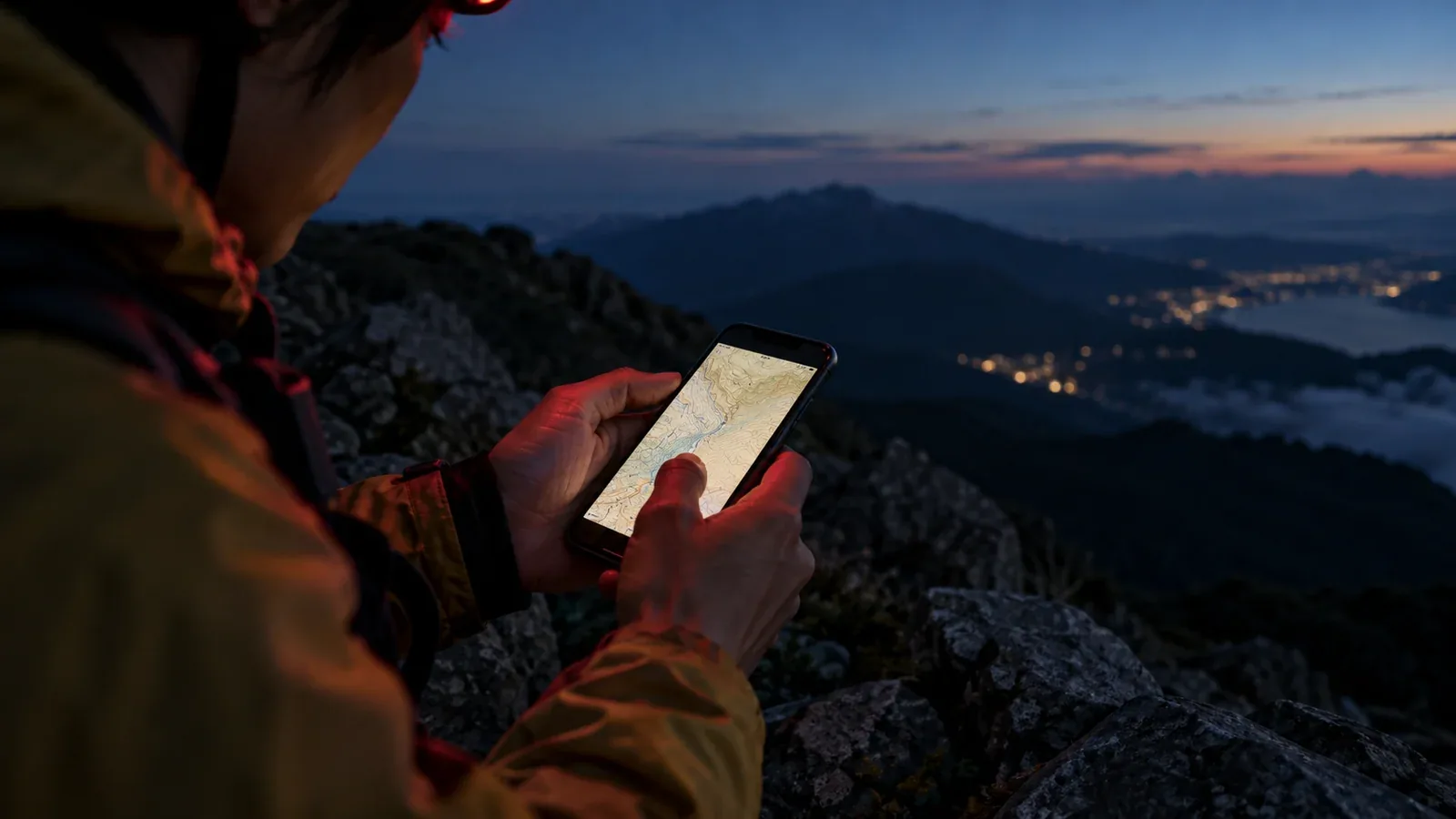
A bright map screen can make it harder to see a dark trail for a while. If you must navigate before dawn or after dark, stop in a safe place before checking the screen. Use a headlamp to see the terrain and keep your hands free.
Your eyes gradually become more sensitive in darkness. Bright light can temporarily reduce that sensitivity, and recovery varies with the intensity, exposure and your eyes. Allow time to see clearly again before you move.
This guide covers screen settings, a safe sequence for checking the route and how to use the phone with a headlamp.
Dim the screen to a readable level
Set a brightness you can read without glare before you need the map. Learn where the brightness control is. If the automatic setting leaves the map too bright or too dim, adjust it while you are stopped.
Dark mode or a dark map theme can reduce bright areas of the display. Check what changes in your actual map app, because system dark mode may leave the map itself unchanged. Some phones also have a setting such as Reduce White Point or Extra dim.
A dim red tint can help limit disruption of night vision, but it can make map colors harder to distinguish. Test contours, routes, warnings and symbols beforehand. Use enough light and a readable color scheme whenever you need to tell details apart.
A safe sequence for checking the map
Set up a routine before the hike so you can follow it even when you are tired or cold.
When you need to check the route after dark, work through these steps.
- Stop on stable ground. Keep away from edges and keep the path clear for others. Finish moving before looking at the screen.
- Keep enough light to see your footing and companions. Point your headlamp down and use a lower setting if appropriate. Keep a brighter light available when you need it.
- Look at the map briefly and identify a confirmed landmark. Compare the route with the signs and terrain you can see. If you need more light or a clearer display, use it while stopped.
- Lock the screen and check the trail again with both eyes. Use enough light to see the next steps, and wait until you can see clearly before moving. If the route is uncertain, pause and choose a safe option.
Use your headlamp and screen together
A bright headlamp can also affect dark adaptation. Avoid pointing it at faces or reflective surfaces at close range. Use enough white light to identify hazards and follow trail markings while walking.
A low red setting may be useful for a short check while you are stopped. Switch to white light if red makes the route, contours, symbols or footing hard to distinguish. The need to see the trail comes first.
Learn the controls with gloves on before leaving. Bring a dedicated headlamp and a spare light or battery that works with it. Keep the phone available for navigation and communication.
Prepare the offline map and route in advance
The less time you need to study a bright screen, the easier it is to return your attention to the trail.
Download the offline map and route, including the return and alternate exits. Switch off mobile data and Wi-Fi before the trip to check that they open. Review the main junctions, terrain and limits on trail access while you have light.
Save key waypoints, such as a trail junction, campsite entrance or turnaround point. Confirm each on the map and keep a paper backup. If the screen shows a marker where you cannot confirm the route on the ground, stop and verify before going on.
A long outing can drain the phone, especially with the screen on and location tracking active. Check battery levels, carry the cable and charged battery you need, and keep the headlamp and backup light ready.
Cold, fatigue and decision-making
Cold hands and fatigue can make a small screen harder to use and an unfamiliar junction harder to read. If someone is struggling to see, navigate or keep warm, stop in a safe place and reassess the plan.
Practise the map and headlamp controls in daylight and again in a safe familiar place after dark. Keep the map, headlamp and backup easy to reach so you can use them without unpacking on exposed ground.
In a group, one person can check the map and describe the next confirmed junction while the others keep an eye on the trail and conditions. Agree on when you will turn around or stop. If you are alone, make those decisions early.
Your next step
Try your map’s brightness and colors before leaving. Check the route offline, test your headlamp controls and practise stopping to read the map safely. Plan to finish in daylight when possible. If you expect to be out after dark, carry lighting and a backup and set a practical turnaround time.
References and sources
- Federal Aviation Administration: dark adaptation and bright light
- Federal Aviation Administration: dim illumination and reading map colors
- Apple Support: brightness, dark mode and automatic adjustment
- Apple Support: color filters and Reduce White Point
- Android Accessibility Help: dark theme and Extra dim
- National Park Service: hiking after dark and dedicated lighting
- Nagano Prefecture: daylight, trail conditions and mountain safety
- Nagano Prefecture: mountain hiking safety guidelines