
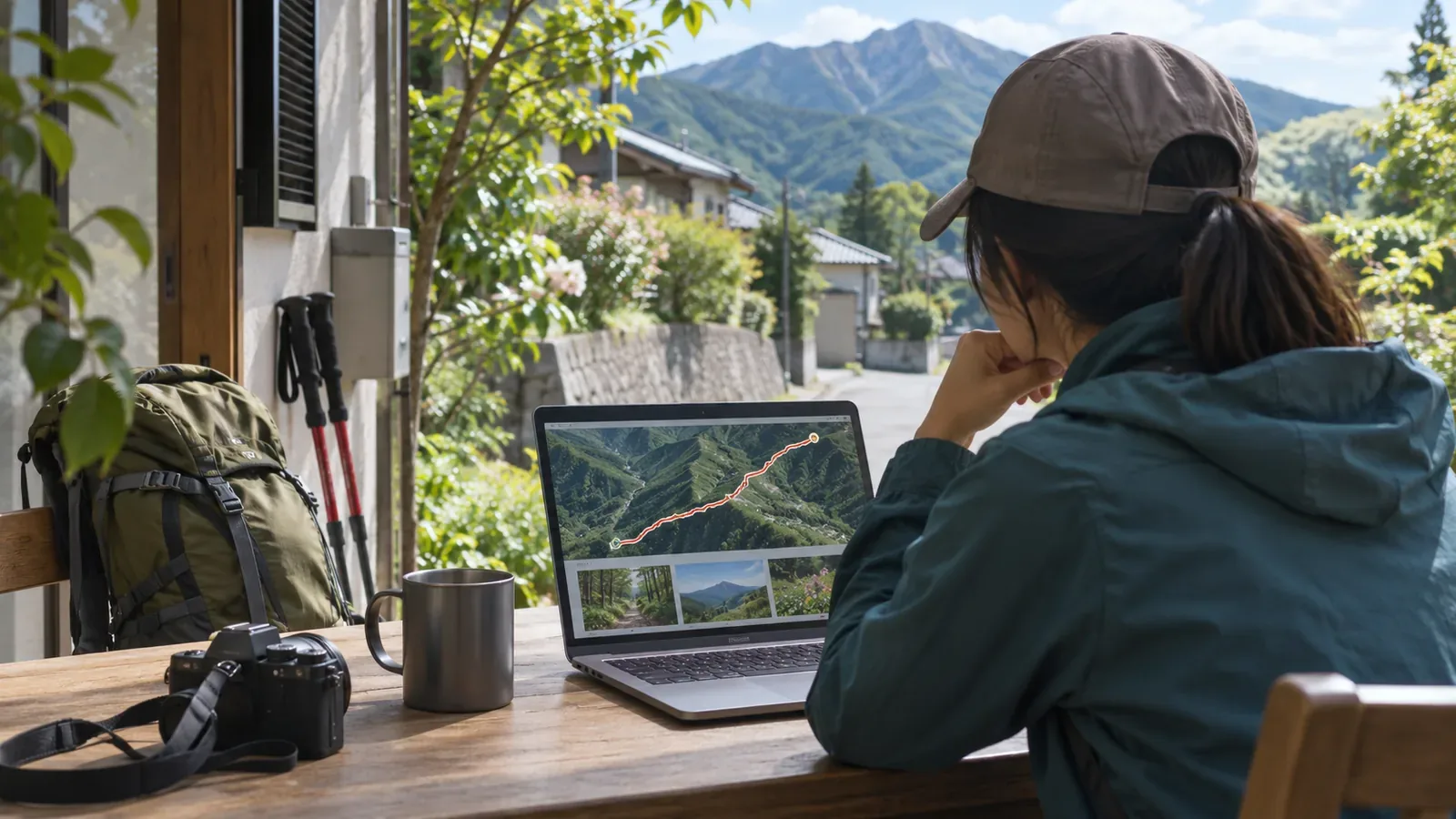
If you started tracking from home, check the start and end of the line before publishing. Limiting the audience, deleting part of the track and hiding part of the map are separate actions. This article draws on YAMAP and Strava’s official guidance as checked on October 29, 2026. If you’re unsure whether your home location is still visible, keep the log private while checking.
Review both ends of the track along with photos and text
If you start recording at home and return there, both ends of the track will be near where you live. Someone may be able to guess your area from several logs that start in the same place, combined with photos and other clues, even without an address in the text. Think about what your own posts could reveal.
Open your log and review where you left and returned as well as the part on the mountain. Check the line, photos that show your front door or nameplate, and place names or details about setting out in the description. There is no single distance everyone needs to hide. Decide what you want to keep private, then choose a tool the service provides.
Check what you can see yourself and what others can see. Strava says the hidden parts of your map are still visible to you. Seeing the line on your own screen doesn’t tell you whether the setting failed. Choosing a setting doesn’t establish that it hides everything you intended, either.
Check the audience and track deletion separately on YAMAP
YAMAP’s official help explains how to make a log public or private from its edit screen on iPhone, Android and the website. It says a public log appears in followers’ feeds and is also available on the open internet. Keep both audiences in mind when choosing the setting.
A separate YAMAP help page explains how to delete track data, including when you forgot to stop recording and continued all the way home. You can remove the section from the start to a selected point, remove just that point, or remove the section from the selected point to the end. Each action removes part of the record itself.
YAMAP says you can’t undo a track edit after saving and recommends backing up as needed. Check whether the action limits what others can see or removes data from the record. Decide how much to remove from each end and whether you need to keep the original. If you’re unsure what the controls do, leave the log unpublished while you check instead of saving a deletion to see what happens.
YAMAP’s help also says the track edit screen and the log’s detail page show different track data. Use the edit screen to check what you’re changing and the detail page to review the saved log. This is the editorial team’s reading of the help page. We haven’t measured what appears on every device.
Hiding a photo’s location leaves visible details in the image
YAMAP also explains how to make individual photos private or hide where they were taken. Check who can see the photos and whether their locations are visible, even if you removed both ends of the track. Review the photos and the description as well as the map.
Hiding where a photo was taken doesn’t remove a nameplate or building from the image. If the photo contains a clue about your home or routine, reconsider including it. If the text still contains the same information, check what you want to share there as well.
YAMAP’s help says the total number of summits reached and earned badges remain public when a log is private. These are separate from the track that starts at home and illustrate the difference between changing a log’s audience and hiding everything on an account.
Check Strava’s map visibility, audience and shared copies separately
Strava’s activity privacy controls use Everyone, Followers and Only You to determine who can see activity details. Strava says changing the default audience doesn’t automatically change past activities. Its Map Visibility feature separately hides part or all of the map from other users. These controls are specific to Strava.
Map Visibility options apply to different activities. Hiding starts and finishes near an address can apply to past activities, except those whose map visibility you edited individually. The defaults to hide all starts and finishes regardless of location or hide the whole map apply to future activities. Check individual older activities to see whether they need changing.
Strava says Map Visibility only applies to activities on Strava. It doesn’t carry over to other services when you share an activity. Check what is visible wherever you’ve shared a record or image. Strava also points out that other clues could still reveal a hidden location. Hiding part of the map cannot guarantee anonymity.
Review the log before expanding its audience
Keep the current audience while you review the start and finish, photos and text. Check what each control does and which records or services it applies to. For an irreversible edit like deletion, confirm the part affected and any backup before saving. Then check the result. Your own view may differ from what others see. If you’re unsure the log is ready for a wider audience, keep it as it is for now.
You can review a log that includes your home without first making it public to test the logged-out view. This review can’t show whether someone kept a copy of material you already shared. Decide what you want to keep for yourself and what you want to share. Before publishing, make sure the mountain information you want to show doesn’t also reveal where you live or what you do day to day.