
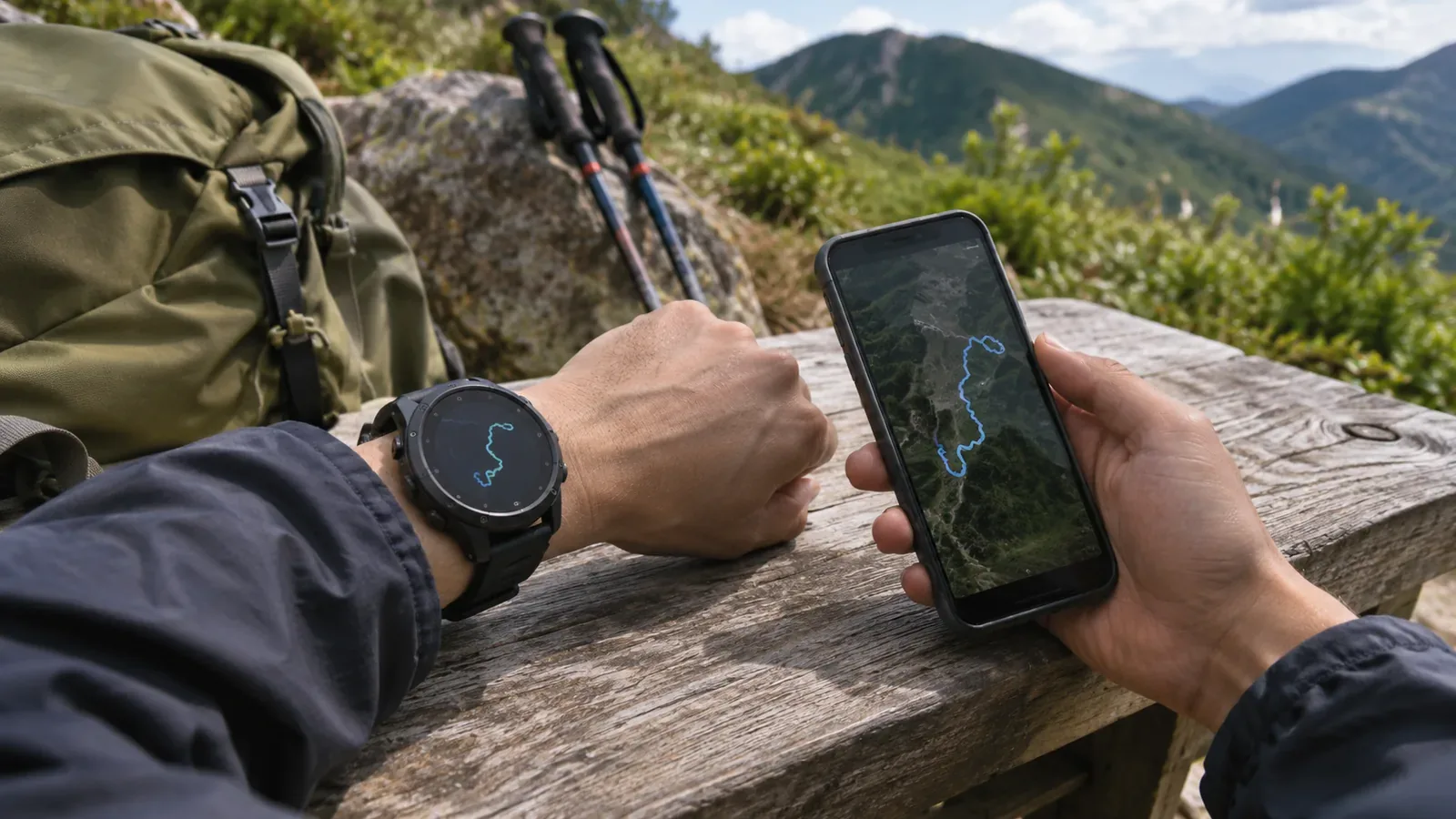
When your watch and phone disagree on the length of a hike, find out where the two numbers came from before deciding which is more accurate. If your phone shows an activity synced from your watch, you’re comparing two views of one record. Drawing on Apple’s and Strava’s official guidance as of October 29, 2026, this article walks through the GPS source and each stage of processing before the total appears.
Start by finding out whether there are two recordings or two views of one
Did you start a separate recording on the phone, or simply open the watch activity in a phone app? Writing “watch: 8.2 km; phone: 8.5 km” leaves that question unanswered. Alongside each number, write down the device that recorded it, the recording app, and the app or service that displays it. These figures illustrate what to put in your notes. They give neither measured errors nor tolerances.
With independent recordings, check that the start and end times and places match. If only one device started recording before the trailhead, part of the difference comes from the extra stretch it covered. Check that both devices captured the same journey before investigating measurement error. Note the activity type and any manual pauses where you can.
Even when the hike is the same, compare the original and processed totals separately. Strava explains that it analyzes uploaded files independently, so its total can differ slightly from the device’s. Seeing a total on your phone does not establish that the phone obtained the GPS fixes and calculated the distance.
Check which GPS source the watch model uses
Carrying a watch and a phone does not mean you have two independent GPS recordings. Apple says that Apple Watch Ultra and later models, Series 8 and later, and Apple Watch SE (2nd generation) use the watch’s built-in GPS even if an iPhone is nearby. Earlier models use the iPhone’s GPS when available. Keep the explanation to the models Apple covers.
Note the specific model as well as the product family, such as “Apple Watch.” If you cannot verify which receiver supplied the locations, record the source as unknown. General guidance for a model cannot tell you the connection state during your hike or how the recording app handled it.
Apple explains that calibration helps the watch learn your stride length, improving measurements such as distance, including when GPS is limited or unavailable. This is how the watch calibrates its accelerometer during outdoor walking or running. Check the official guidance for your model, activity and app before attributing the entire watch total to GPS. A distance discrepancy alone is insufficient reason to erase calibration data.
Separate distance in the original file from the service’s recalculation
Strava distinguishes uploaded files with a distance data stream from files without one. When the stream is missing, it calculates distance from GPS coordinates. To investigate a discrepancy, distinguish the total you saw on the watch from the data that reached the service.
A file extension alone tells you little about which distance data was transferred. Strava’s developer documentation lists FIT fields for total distance and distance at individual record points. The base GPX format does not include distance, but some extensions supported by Strava do. GPX can carry distance data, and FIT can yield different totals on the device and in the service.
Strava also describes filtering outliers and recalculating distance when the GPS data is poor. This can produce a different total from the one on the original device. It provides one explanation for the discrepancy, but a shorter total is not inherently more accurate. With extremely poor data, even a realistic estimate may be impossible.
To compare, keep the original record and note how it synced or was exported. Record whether the transfer was automatic or used a manual file upload, the export format and whether you applied a distance correction. We suggest starting with the data and displays you already have, before editing the file or uploading it again.
What to log and when to hold off on a conclusion
For a single hike, note the recording device and model, recording app and activity type, start and end times and pauses, total shown on the watch, total shown by the sync destination, export format and any correction applied. Write “unknown” where you cannot verify something so you know which detail to check in the official documentation or original data. Use the notes to narrow down possible causes. They cannot certify accuracy.
For two independent recordings, compare where each started and stopped and where the tracks diverge as well as their totals. With two views of one recording, check the original distance, the synced distance, and what happened at export and correction. The size of the totals alone cannot tell you which device is better. Agreement between the two totals also cannot establish how far you actually walked.
Separate what you confirmed from what you still need to check. “The recordings ended at different times” or “It’s the same watch recording, but the total changes after syncing” may be as far as you can go. Avoid jumping from those findings to a percentage error in the woods or a verdict about which satellite system is worse. Other articles cover distance accumulation while stopped and elevation reference surfaces.
Summary: Compare totals with matching sources and processing stages
Start by establishing whether your watch and phone recorded independently or are showing the same activity. Then check the recorded stretches, the GPS source for your device model, the original file and the service’s calculations. If you lack details such as the model or source data, note what you can verify before drawing a conclusion. The longer number is no benchmark, and a blanket percentage correction won’t resolve the comparison.
References and sources
- Apple, “Calibrate your Apple Watch” — GPS sources by model and stride calibration
- Strava Developers, “Uploading to Strava” — FIT distance fields and GPX extensions
- Strava, “How Distance is Calculated” — distance data and calculations after upload
- Strava, “Why is my Activity’s Distance Different Than my Friend’s?” — differences from device totals and reprocessing