
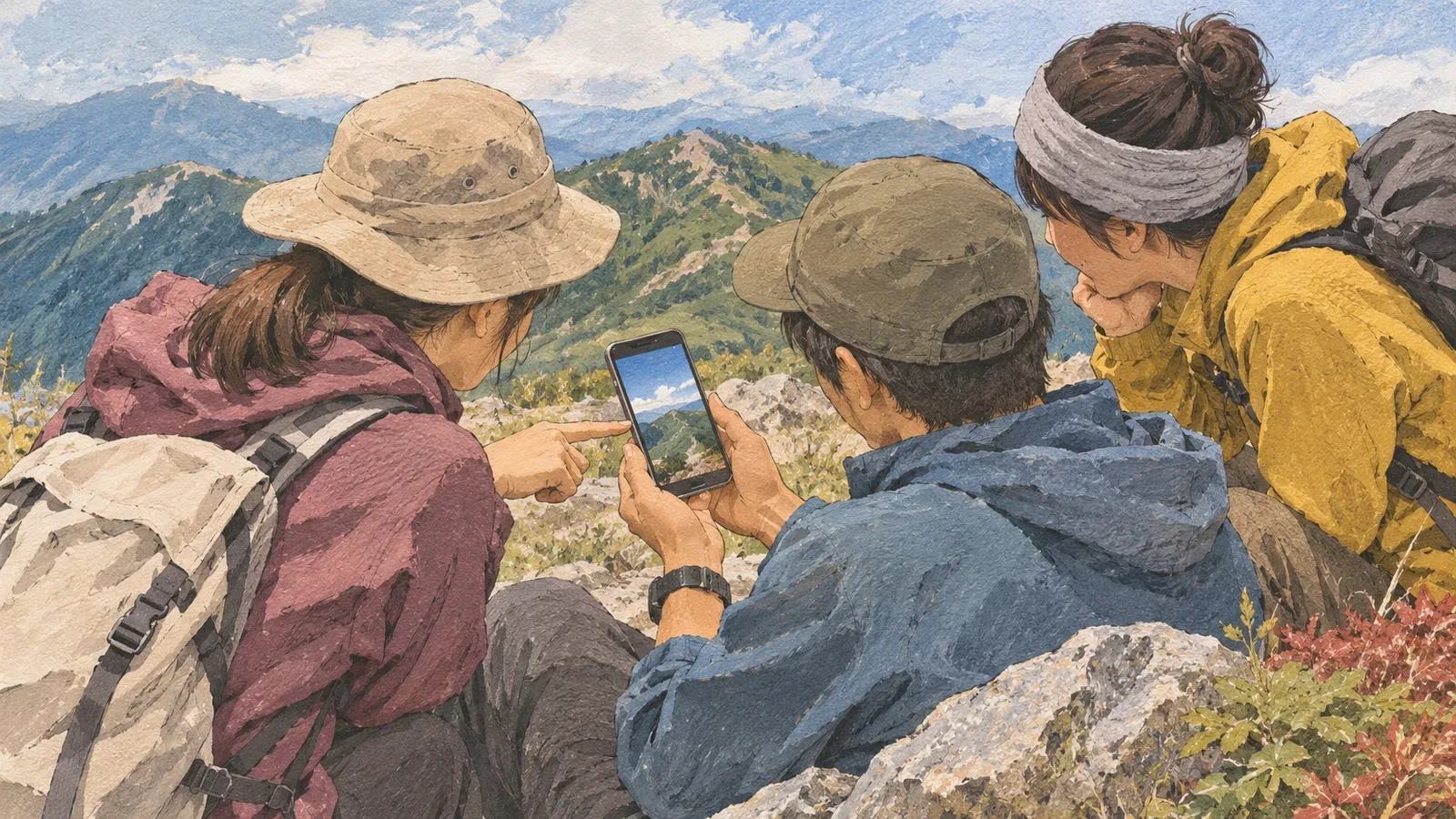
If other people joined your hike, check with them before publishing photos, names or a list of companions. Treat joining a trip plan or approving an invitation in the app as a separate decision from agreeing to appear in a public log. Drawing on guidance from Japan’s Personal Information Protection Commission and YAMAP checked on October 29, 2026, we look at who will post and how to review the draft after a group hike. This is the editorial team’s suggested process. It does not determine whether someone has given legal consent.
Ask separately about joining the hike and appearing in the log
The commission’s guide on social media encourages checking with friends before posting a photo taken with them. It aims to build digital literacy and says its terms may differ from legal definitions. Use it as a prompt to ask what the person who appears in the log wants to share.
Ask about what you will include in this post. If a group representative writes the log, contact the people featured as well. Show each person what you plan to publish about them, including their photo, name or appearance in the list of companions.
Check who will post, where, what they’ll include and who can see it. If someone approves one person’s activity log, a different person’s post on another service needs its own check. Being in a group photo, seeing a log after the hike or replying in a group chat doesn’t by itself confirm those details.
Check YAMAP’s trip-plan approval and activity log membership
YAMAP’s guide to adding companions to a trip plan describes the invitation link. The recipient reviews the outline, asks to join and becomes a member when the creator approves. This is how someone joins the plan. Check separately whether their photo or name can appear in an activity log or a post on another platform.
The same guide explains that adding a YAMAP user as a member lets them view the plan in the app and notifies them when it’s saved or edited. A notification about the plan doesn’t tell you whether the person has agreed to the draft post. Give them a separate opportunity to review the draft.
YAMAP also says a member is automatically added as a companion when the activity log is saved, and you can remove them in the editor. Check automatic additions before publishing. Even if someone isn’t in a photo, ask whether the log can say they were on the hike. Edit it if needed. An automatic addition doesn’t record the person’s permission to publish.
This describes what the official help says. We haven’t tested it using actual accounts or participants. Review the plan invitation, the log’s companion list and the audience settings separately.
Share the draft and destination and make a brief note of the reply
The editorial team suggests that the person posting prepare a draft, show each companion the parts about them, and say where it will be published and who can see it. The article on checking photos covers individual images. Here the focus is on how a name is written, the companion listing, the description and the use of photos in this draft.
For example, say “I’d like to put this photo and description in my YAMAP log, list you as a companion and show the log to the people on this list.” If they are happy with the photo but prefer to leave their name out, change the draft and companion list accordingly and check the revised version together. This is an example, not a record of anyone’s agreement.
If someone doesn’t reply or you’re unsure what they agreed to, leave their part unpublished. If you want to post soon, leave out the material about that person and focus on the scenery or your own record. A general question in the group chat doesn’t cover people who haven’t answered.
Keep the note short and specific to this decision. Record who is posting, the draft, the destination and audience, the reply and the date. The commission advises against sharing a friend’s phone number without checking with them. You can record the agreement without collecting home addresses or phone numbers.
Ask again when the audience or content changes
YAMAP’s official help says a public log is available on the internet and appears in followers’ feeds. If your companions agreed to a log for the group, check with them again before making it public. You can change public or private status in the editor. The setting you can choose and the audience you agreed on are separate questions.
Restricted-audience lists limit logs to selected YAMAP users. Changing membership affects every activity log that uses that list. If you only intend to add someone for this hike, check how the change would affect older logs shared with the same list.
Review the agreement when you add a new photo or description, post on another service or increase the audience. Show the revised draft and where it will appear even to people who agreed before. This is the editorial team’s suggested practice. Legal requirements for renewed consent depend on the circumstances.
If a companion asks for a correction or removal, check whether it concerns your log, the companion listing or a post on another platform. If someone else posted the material, pass on the person’s request and discuss it with the poster. The commission warns that online images are extremely difficult to remove completely. Copies or other posts may remain after you change your own.
Tie each agreement to the specific post and its audience
Show the companion who will post, the draft, where it will appear and who can see it. Ask before publishing photos or names even if the companion approved the YAMAP plan or was automatically added to the log. Hold off on anything you haven’t agreed on, and ask again when the content or audience changes.
For your next group log, decide who will post and where, and have each person review their own draft with those featured. Check the photos, names and companion list for this specific post. Confirm who agreed to join the hike and who agreed to appear in the record separately.
References and sources
- Japan Personal Information Protection Commission · Checking with friends before posting on social media
- Japan Personal Information Protection Commission · Handling other people’s information and the difficulty of removal
- YAMAP · Adding companions to a trip plan and automatic addition to a log
- YAMAP · Making activity logs public or private
- YAMAP · Restricted-audience lists and which logs a change affects