
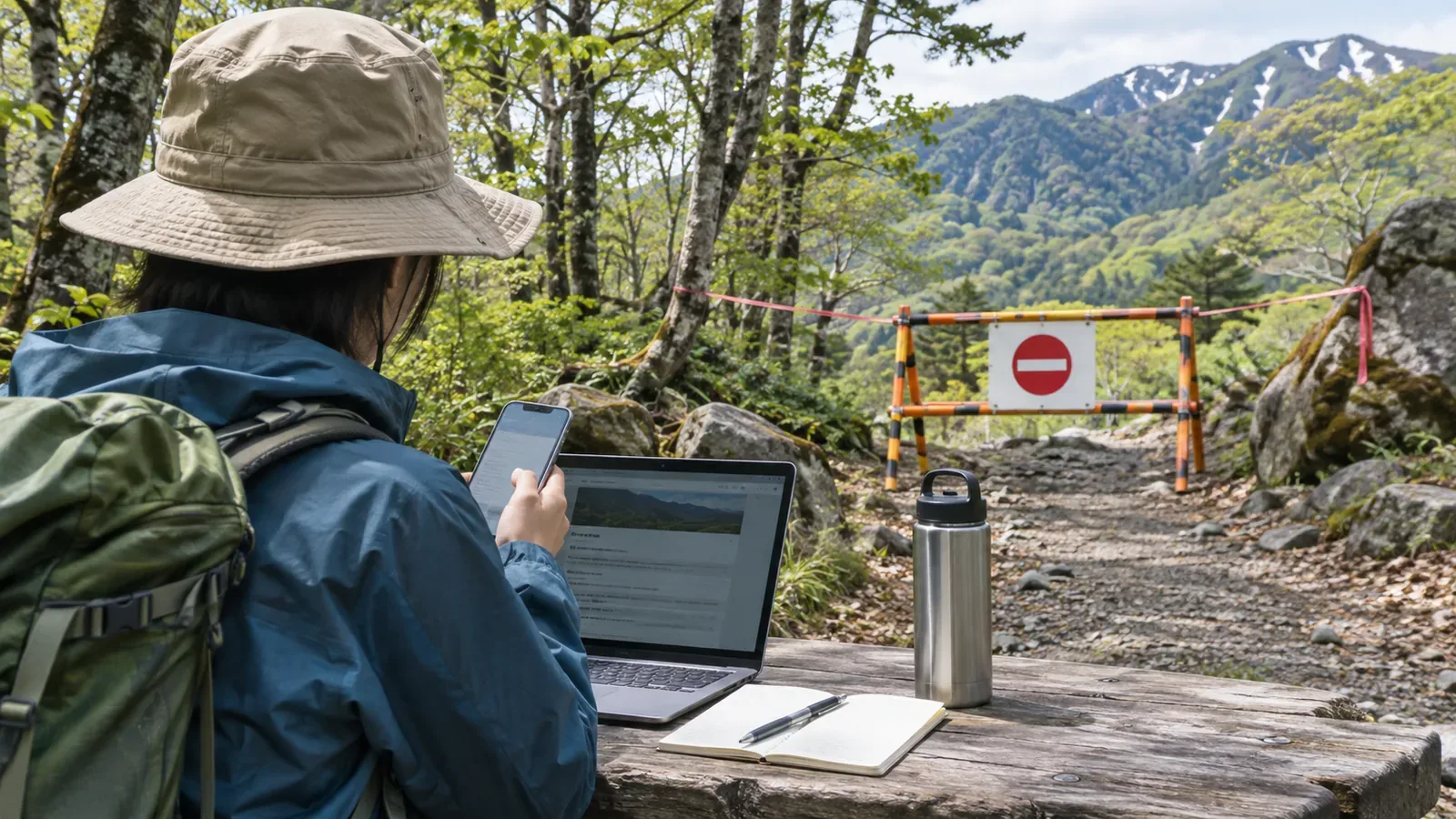
When noting a closure, check which section is affected, when the restriction applies and what it says. On the same line, record the source and the day you checked. Examples from a city and a prefecture show how to keep track of the sequence as restrictions change.
A trail closure record needs a date
“XX forest road closed” may be accurate when you write it but becomes ambiguous over time. You can’t tell from the entry whether the closure was lifted, nobody checked again or the notice was about a different section. Closures change with work and disaster repairs, so knowing when you checked often matters most when you revisit the record.
Decide what the record is for. It cannot guarantee current conditions. It is a record of what you confirmed from a particular source on a particular date. This helps you decide what to write and what to flag for readers.
How official pages show dates
Akiruno’s overview of major trail and sightseeing-route closures shows when it was first published, when it was updated and whom to ask for the latest information. Since it covers several districts, keep the page update date separate from the restriction period for each section.
The city lists some closures, such as the Mitake Forest Road, as “until further notice.” Others, such as Bonbori Forest Road from Iriyama Pass to Iriyama Tunnel, have an expected date in the duration column. Check the section in the individual notice or map. Keep the dates tied to their own sections and check where a note says they may change with the progress of the work.
Ishikawa Prefecture’s Mount Hakusan hiking page, dated 23 October 2026, announced that Sabo Shindo would reopen between the Nanryu junction and Kuroboko Rock at 10:00 that day. It also says it is updated as reports come in and may be out of date. Record the section, the reopening date and time and the date of the information.
Three dates to record and how to describe the end date
Here is the editors’ suggested approach based on those examples. Keep three dates separate when you record a closure.
Record the source’s update or “as of” date, the date you checked the page or contacted the office, and the date you edited the article. Add the start, end or reopening date and time with the section. Notices you find on the same day may have been issued or taken effect at different times.
The Chubu Regional Environment Office’s Echo Line notice gives the reopening time after temporary repairs and says the trail could close again depending on its condition. When recording a reopening, also check the conditions and map. Log a check as a verification date if you just checked for changes, and as a correction date if you edited the article.
Use the source’s wording for the duration and distinguish “until further notice,” an expected date and no date given. If a scheduled date has a caveat, such as Akiruno’s note that it depends on progress, keep that caveat. If a page says “no information,” write “not listed on the official page when checked that day.” Also record what the page covers, such as the main hiking trails. No listing doesn’t confirm access.
Try a paper example and plan when to check again
Six fields are enough: location, restriction in the official wording, source title and update date, duration type, how and when you checked, and when to check again. Here is an example.
“XX Forest Road / closed along its full length (official wording: until further notice) / City YY closure page, updated DD Month / duration: until further notice / verified DD Month by opening the page / check again when planning the next trip.” Replace the placeholders with real values. Use the same format as you add places.
You can practise at home. Choose two places on the official pages for nearby mountains and copy the details into the example format. Open the same pages a few days later and compare the date and wording. If nothing has changed, add the check date. If something has changed, keep the old entry alongside the new one with dates. You’ll be able to see what happened in order.
Before leaving, verify access again on the official page or with the listed contact. If you can’t confirm whether a restriction applies, keep the option of staying out of the section and changing your plan. If you want to take notes from a sign on the trail, stop where the footing is stable and you won’t block anyone. If there’s no suitable spot, take notes after the descent.
If the original URL stops working, search the publisher’s site for the page title or section name. The National Diet Library’s WARP archive lets you look up archived versions of public agencies’ websites. If you find one, record when it was captured and check current restrictions with the managing authority.
Recap: record the section and when you checked it together
Record the section, restriction and duration, issuing authority, publication or update date and the date you checked. Keep older and newer entries with their dates when anything changes. Before heading out, check the manager’s notices again.