
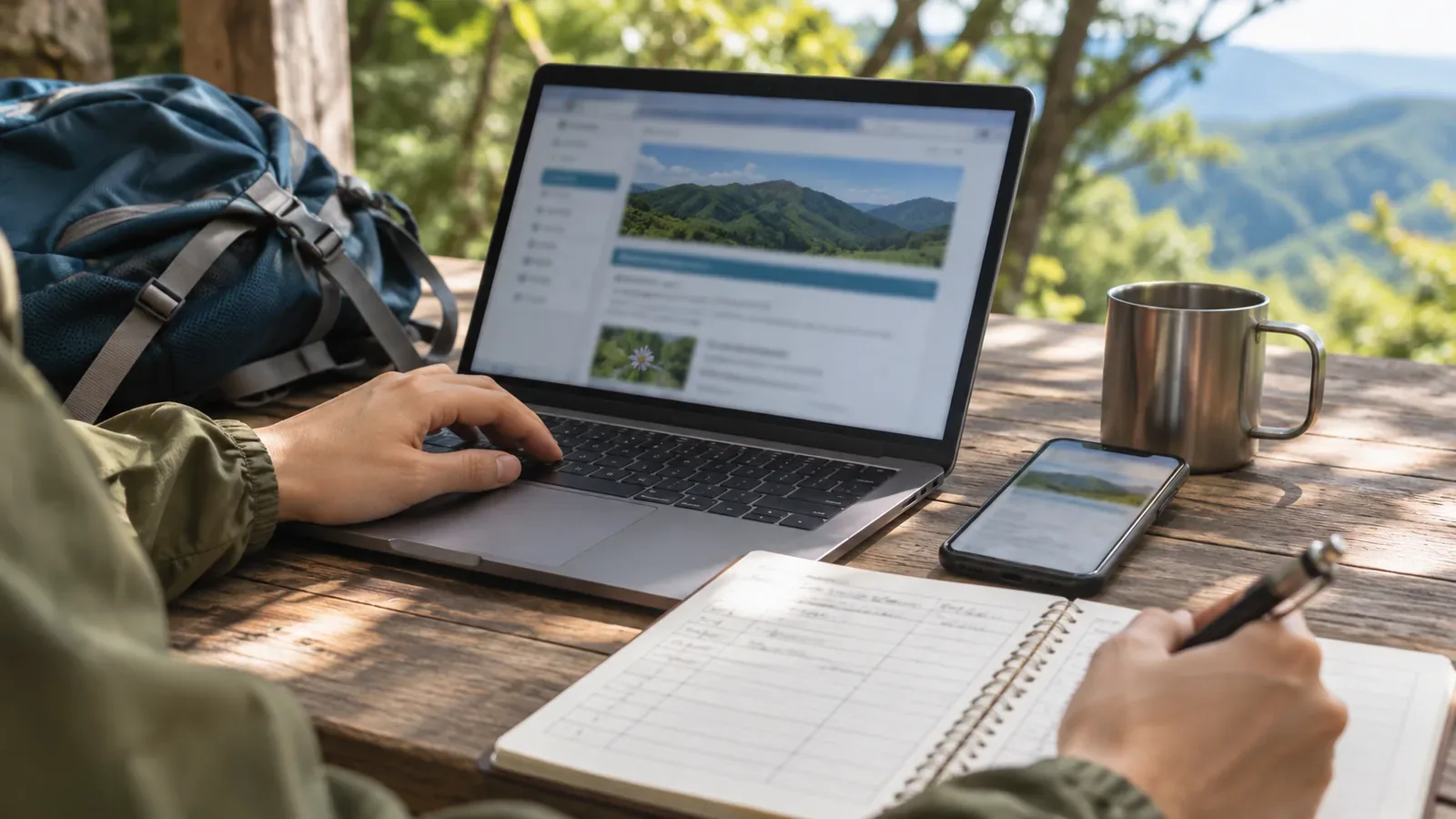
List where to check access restrictions, facilities and weather for the hills you walk regularly. Record each page title and URL together with the publisher, the area covered, relevant dates and the contact route. This lets you follow the same steps each time you go.
Record who manages the area and where to check
If you copy a trail closure or facility notice into your notes, it starts to go out of date as soon as you write it down. Official pages acknowledge this limit too. The city of Akiruno directs people to contact the city for the latest information. Ishikawa Prefecture’s Mount Hakusan page compiles reports from hikers and others and says that it updates when reports come in, so the information may not be current.
Record the titles of both the managing authority’s overview and its individual notices so you can find one from the other. When getting in touch, give the route name, the name of the junction and the date you expect to use the route. That makes it easier to identify the section than asking about the mountain in general.
Separate overview pages, individual notices and document locations
Akiruno’s closure list shows its original publication date and update date, with restrictions by district, the expected periods, links to individual notices and contact details. Record the overview and each notice separately, with the section each link is for. If no information is posted, as in the Akigawa district section, still record the page’s coverage and the date you checked.
Ishikawa Prefecture’s Mount Hakusan hiking page compiles reports from hikers and others and advises that it may not reflect current conditions. The version dated 23 October 2026 listed the reopening of Sabo Shindo between the Nanryu junction and Kuroboko Rock at 10:00 that day. In your register, distinguish the prefectural overview from agency notices and activity updates linked from it.
What to put in your link register
Use a paper notebook or a spreadsheet. Suggested fields: publisher (local government and department), page title and URL, the page’s own update date or “as of” date, the date you opened it, what it covers (closures, facilities, weather, data and so on), type of contact route (phone or form), a brief summary of any caveats, and how it links to other pages (overview and individual PDF, entry page and external link). Keep the date shown on the page and the date you checked it in separate fields. One records when the publisher updated the information; the other records when you looked at it. Mixing the two makes it hard to tell how recent the information is. Phone numbers can change, so you could record “phone contact available” and get the number from the page when you reopen it.
Trail, facility, road and weather information for the same mountain can come from different publishers. Use separate rows for roads and hiking trails, for example, and record the publisher and contact route for each. Open the links before leaving. If you can’t verify the section or facility you need, ask the managing authority or revise your plans. If you’re calling, check which days and hours the office takes calls.
Prepare for broken links and older versions
Japan’s Biodiversity Center announced a move from the Natural Environment Survey Web-GIS to Ikimono Map and said the old service would end in late May 2026. It also said that the move would end access to the PDF vegetation maps from the sixth and seventh surveys. If a page moves, record both the new entry point and the migration notice, and see whether the new service carries the material you were looking for.
To find an older notice, search WARP, the National Diet Library’s web archive, for archived versions of local government websites and other sites. Whether a resource was archived and who can access it vary by item. If you find a version, record its capture date separately from the date shown on the page.
If you publish the register, put the publisher and subject in the link text and show the date you last opened and checked it. Keeping the date you revised the content separate from the date you checked the link helps readers track what changed.
Recap: record what you check and where
Record who publishes each page, what it covers, its dates and how to get in touch. Keep older versions and migration notices when you need them. Before the hike, reopen the current notices from the authorities managing the sections you’ll use and the relevant transport operators.